Skip to content
View in the app

A better way to browse. Learn more.

Spotfire Community

A full-screen app on your home screen with push notifications, badges and more.

To install this app on iOS and iPadOS
  1. Tap the Share icon in Safari
  2. Scroll the menu and tap Add to Home Screen.
  3. Tap Add in the top-right corner.
To install this app on Android
  1. Tap the 3-dot menu (⋮) in the top-right corner of the browser.
  2. Tap Add to Home screen or Install app.
  3. Confirm by tapping Install.

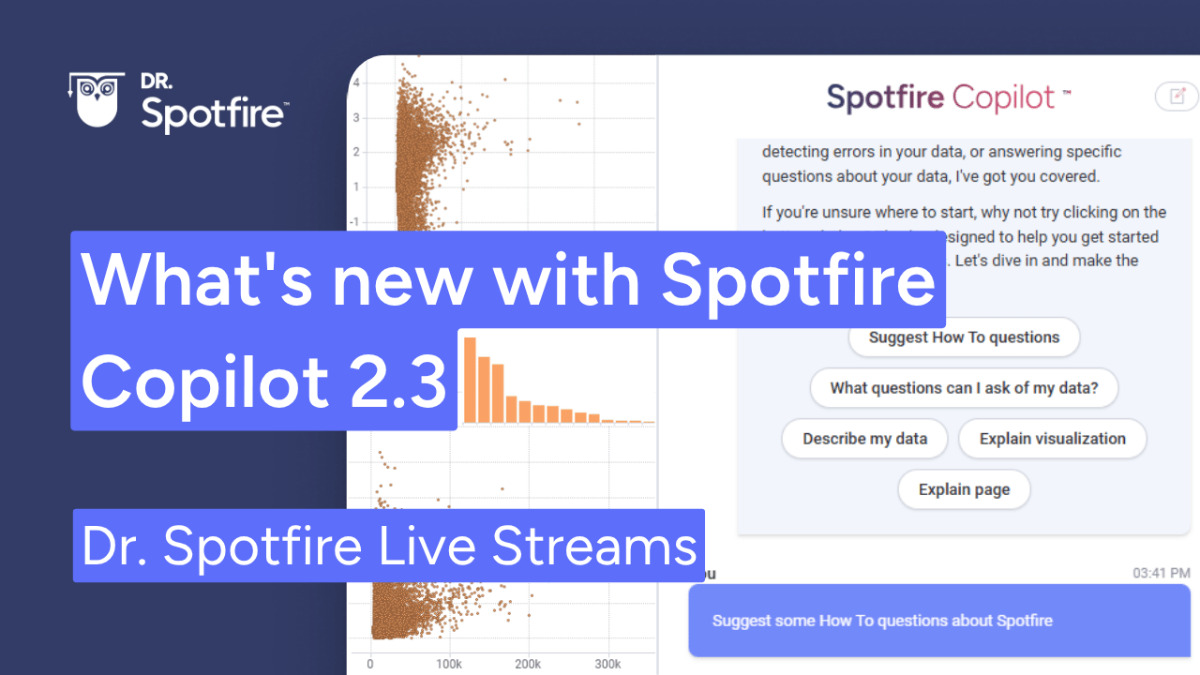
What's new with Spotfire Copilot 2.3

Join us to explore the major upgrades in Spotfire Copilot 2.3! This release transforms Copilot from a simple interactive assistant into a powerful orchestration layer capable of coordinating complex, multi-step analytical workflows. We will dive into the new agentic system that allows you to integrate your own AI agents, the centralized Observability Hub for advanced monitoring, and highly requested features like chat history persistence and dynamic data augmentation.
Aug2026.thumb.png.3bf2aef87bef0a79597177816f761f8c.png

Recommended Comments

There are no comments to display.

Account

Navigation

Search

Search

Configure browser push notifications

Chrome (Android)
  1. Tap the lock icon next to the address bar.
  2. Tap Permissions → Notifications.
  3. Adjust your preference.
Chrome (Desktop)
  1. Click the padlock icon in the address bar.
  2. Select Site settings.
  3. Find Notifications and adjust your preference.