Skip to content
View in the app

A better way to browse. Learn more.

Spotfire Community

A full-screen app on your home screen with push notifications, badges and more.

To install this app on iOS and iPadOS
  1. Tap the Share icon in Safari
  2. Scroll the menu and tap Add to Home Screen.
  3. Tap Add in the top-right corner.
To install this app on Android
  1. Tap the 3-dot menu (⋮) in the top-right corner of the browser.
  2. Tap Add to Home screen or Install app.
  3. Confirm by tapping Install.

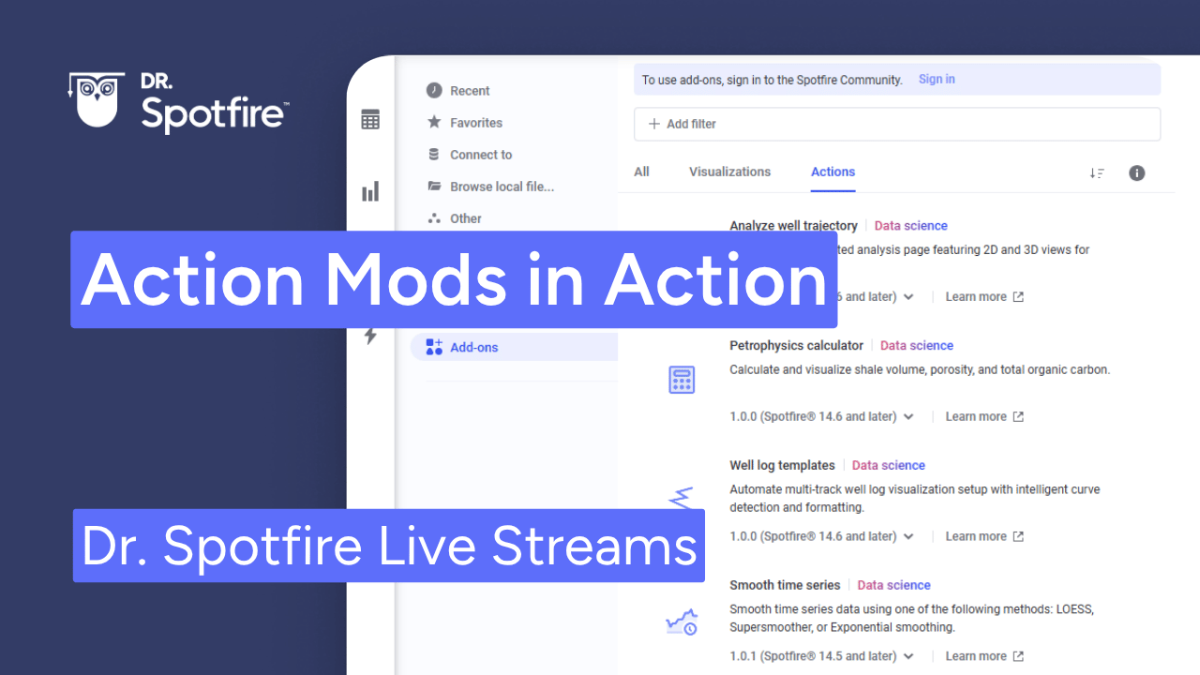
Action Mods in Action

In this Dr. Spotfire session we will cover practical application of Action Mods. Using real-world examples, we’ll demonstrate how to deploy pre-built actions that revolutionize how your team engages with data. By automating complex tasks and triggering external processes directly within Spotfire, you can eliminate manual clicks and build highly responsive, 'action-oriented' analytical tools
 

Jun2026.thumb.png.0718665f47cbc130a549148d3683f851.png

Recommended Comments

There are no comments to display.

Account

Navigation

Search

Search

Configure browser push notifications

Chrome (Android)
  1. Tap the lock icon next to the address bar.
  2. Tap Permissions → Notifications.
  3. Adjust your preference.
Chrome (Desktop)
  1. Click the padlock icon in the address bar.
  2. Select Site settings.
  3. Find Notifications and adjust your preference.